
Snowflake data lineage is the recorded trail of where data came from, how it was transformed along the way, and where it's used afterward. Snowflake builds that trail automatically from the way objects and queries relate, and it keeps it at two levels: an object view of tables, views and stages, and a column view of which individual field feeds which.
Teams often encounter lineage the hard way. A column changes, a dashboard goes quiet, and the investigation starts with a shared screen and a lot of guessing.
The fix isn't a prettier diagram. It's knowing the map before you turn the valve.
Why Snowflake Data Lineage Matters Before Your Next Change
Friday, 4:40pm. An analyst widens a customer identifier on a shared table to absorb a source-system change, runs the staging tests, and merges. Saturday passes. Monday at 8:05am the revenue dashboard renders three blank tiles, and the weekly executive summary has already gone out with a hole in it.
Nobody made a reckless decision. The analyst couldn't see the part of the warehouse that read that column.
Think of lineage as the water pipe map for a city. Closing a valve is trivial. Knowing which buildings sit downstream of that valve is the entire job. Snowflake draws that map for you, and the column-level view is where surprises hide, because two tables can look similar while only one of them touches the field you're about to change.
Teams that check the map first rarely need the Friday night rollback. Our own time series work with Snowflake started the same way, by tracing which dashboards and models read which columns before anything moved.
Before the next change window, you need four things:
- The dependency type behind each downstream object, because a copy and a reference fail in completely different ways.
- The retention window, because native lineage is a working view, not a permanent archive.
- The external edges, because a good share of your pipeline lives in Airflow, dbt or Tableau, outside the warehouse.
- Saved evidence, because a graph on a screen proves nothing to an auditor on Tuesday.
All four serve one question you should be able to answer in under a minute: what breaks if I change this?
Two Dependency Types Snowflake Tracks
Lineage graphs look uniform from a distance. Underneath, Snowflake separates relationships where data was physically copied from relationships where one object points at another (Snowflake lineage documentation). That difference decides what a change does to everything downstream.
Dependency typeCreated byData copied?Effect of an upstream changeData movementCTAS, INSERT, MERGEYes, copied into the targetTarget keeps its copy; rebuild or backfill after an upstream fixObject dependencyView referencing a tableNo, resolved when queriedDependent view reflects the upstream change on its next query
Same Source, Two Different Failures
Take RAW.ORDERS with a column called ORDER_TS. Every night at 02:00 a task runs CREATE TABLE AS SELECT to build ANALYTICS.DAILY_ORDERS with revenue summed by day. A separate view, V_ORDERS, selects straight from RAW.ORDERS for ad hoc analysis.
Now rename ORDER_TS to ORDERED_AT in the raw table.
- The copied path goes quiet. The 02:00 job fails, but
DAILY_ORDERSdoesn't break. It freezes. Yesterday's totals stay in place, no error surfaces on the dashboard, and finance reconciles against stale numbers until someone notices a flat line. Repairing the job isn't enough; the table needs a backfill, because a copy never heals itself. - The referenced path goes loud.
V_ORDERScompiles fine until someone queries it, then fails on a missing column. Immediate, obvious, easy to fix. The subtle risk sits elsewhere: once the view is edited to useORDERED_AT, every consumer inherits the repaired definition at the same moment, for better or worse.
Practical rule: before touching a shared object, label every downstream path as copied or referenced. Audit the copied ones for staleness, and review the referenced ones for logic that quietly changes meaning.
That single classification turns a vague worry into a checklist, and it's the fastest way to spot which downstream objects need a rebuild versus which need a code review.
Implementation Options and Architecture Patterns
A lineage graph is useful only when its coverage matches the systems behind a change. A Snowflake-only pipeline may need native lineage, while a workflow that crosses orchestration, BI, or other data platforms may require additional metadata feeds.
Lineage implementation optionCoversUse whenNative Snowflake lineageTables, views, stages and ML assets inside SnowflakePipelines run mostly inside SnowflakeOpenLineage producers (Airflow, dbt)Orchestration and transformation runs posted to the REST endpointPipelines run outside Snowflake and must join the graphBI connectors (Tableau, PostgreSQL)Dashboards and source database columnsReports must trace back to source columnsThird-party tools or metadata frameworkCustom evidence fields and cross-warehouse catalogAudit needs exceed native retention or require custom controls
Snowflake's Horizon Catalog documentation describes lineage across Snowflake and connected external databases, BI tools, and OpenLineage feeds. The catalog presents metadata separately from access to the underlying data, so a lineage record can help explain dependencies without granting access to the data itself.
Faberwork is part of the Snowflake Partner Network and offers SnowPro Certified Developers. Its Snowflake work includes data warehouse architecture designed to fit each client, transformation and integration development, analytics, and ongoing maintenance and troubleshooting. For example, Faberwork helped build intelligent software to analyze HVAC data using time-series data with Snowflake, as described in its EMS Snowflake implementation.
Snowflake-only. Use native lineage with an automated downstream check in the release pipeline. This suits teams whose pipelines start and end in the warehouse. The graph can show recorded dependencies, but it cannot by itself prove that every external report or manually maintained process is represented.
Hybrid. Combine native lineage with OpenLineage events from Airflow and dbt. First confirm that a known workflow appears across the systems it touches. Treat missing links as a coverage gap, not evidence that no dependency exists.
Evidence archive. A scheduled job can copy lineage output into an archive table with a date stamp and change ticket. This preserves a point-in-time record beyond the active metadata window, but the archive proves what was captured, not that the graph was complete or that a transformation produced correct results.
How to Trace Upstream and Downstream Dependencies
A change to one column can affect a report several steps away. Trace both directions before editing the table or view, then save the results with the change record. The steps below work through that check.
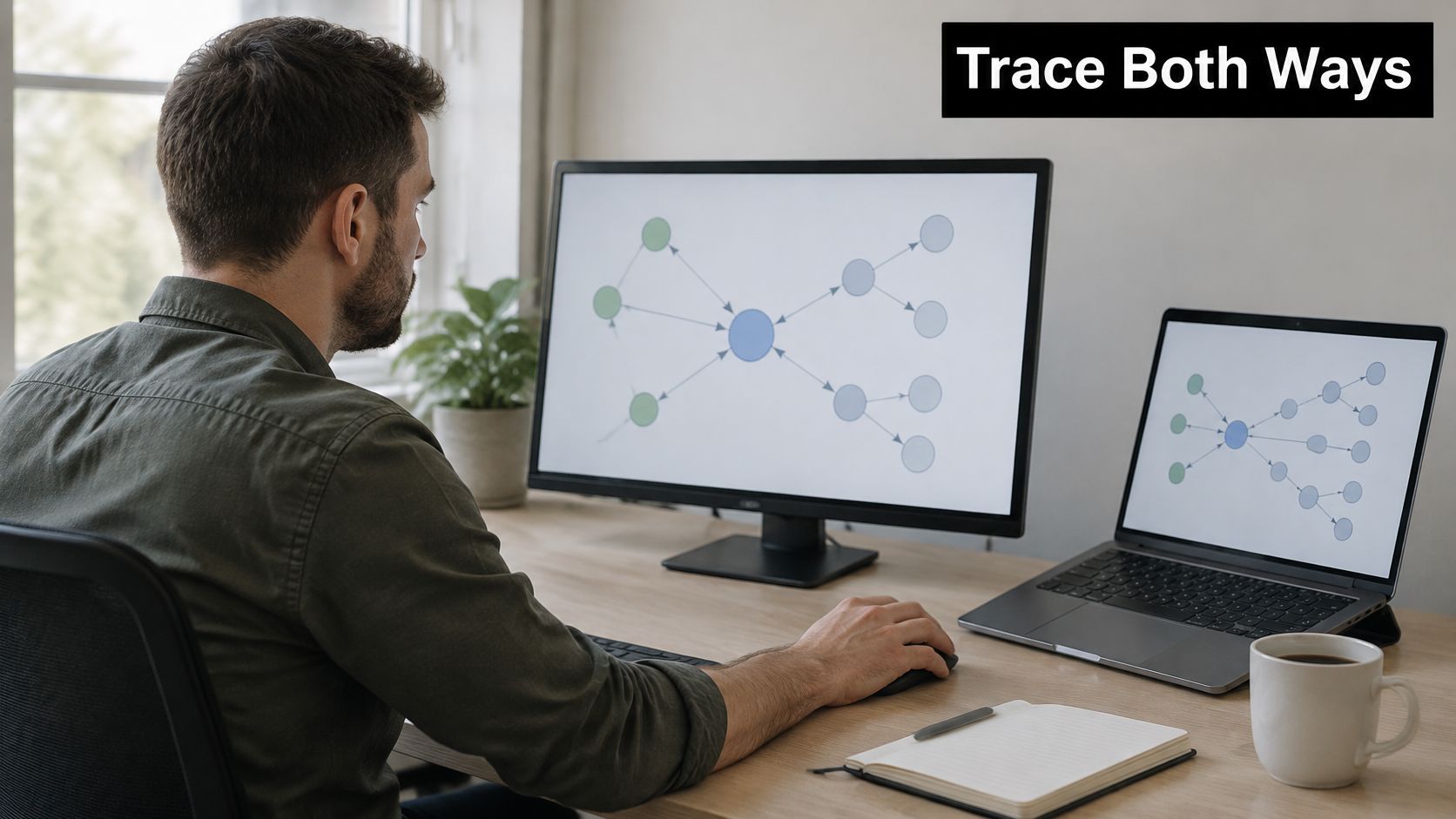
- Open the object's lineage graph in Snowsight. Start with the table or view you plan to change. The graph shows connected objects and can reveal downstream fan-out that is easy to miss when reviewing one query at a time.
- Switch to column-level detail. Object-level arrows show that objects are connected, but not which fields flow between them. Column detail helps distinguish an unused field from one that feeds a report.
- Trace upstream. If a value looks wrong, follow its path back through the transformations and source objects that produced it. The problem may begin before it reaches the object where someone noticed it.
- Trace downstream and identify owners. List the tables, views, and reports that depend on the object, then note an owner for each. This gives you a practical notification list before the change.
- Check the path in SQL.
SNOWFLAKE.CORE.GET_LINEAGEcan return upstream or downstream objects, making the check repeatable and its output easier to save. See Snowflake's external lineage documentation for the function and argument details. - Run the check as part of release preparation. Query the objects affected by the release and keep the output with the change ticket. Review the results before deployment, rather than treating the graph as an automatic approval.
What a complete check produces: an explainable upstream path, a downstream list with named owners, and saved results tied to the change ticket.
Saved results can support review, but lineage has limits: it shows recorded relationships, not whether a change is authorized or whether every dependency was captured. Pair the lineage output with the agentcentral audit logging practices used to manage access and records. That gives reviewers context for how the evidence is handled, while the lineage itself shows the dependency paths.
Retention Limits and Audit Windows
Native lineage is a working window, not a permanent record. Snowflake retains both column lineage and object lineage for one year, per the Snowflake lineage documentation. That's long enough for operational work and short enough to fail a regulator.
Inside the window, the view does real work. You can investigate a change from last quarter, trace a transformation whose output looks wrong, or estimate what a schema edit will touch downstream. The window also supports compliance reviews that show how sensitive data flows across related objects.
Outside the window, you're on your own. An auditor asking about a model retrained 18 months ago, or a report that fed a filing two years back, cannot be answered from native lineage alone. Nothing is wrong with the graph at that point. The evidence aged out.
The Archive Pattern
A scheduled job writes lineage output, plus the matching ACCOUNT_USAGE lineage metadata, into an archive table. Each record carries a date stamp and the change ticket or incident reference that triggered the check.
Keep six fields per record:
- Source object, fully qualified, so the record means something after a schema is renamed.
- Target object, with its object type, since stages and views behave differently downstream.
- Column names, both sides of the edge, because object-level evidence rarely satisfies a data-protection question.
- Capture date and time, in a single timezone across the estate.
- Owner, the person or team accountable for the target object.
- Triggering deployment or incident, so a reviewer can connect the evidence to the change that caused it.
Decision rule: if any regulatory or audit obligation runs longer than twelve months, set the archive job before the first record reaches the one-year mark. Retrofitting an archive never recovers what has already expired.
Cross-Platform Lineage With OpenLineage and BI Tools
Start with one path. A customer_status column lives in PostgreSQL, passes through a dbt model, lands in a Snowflake table, and appears on an executive Tableau dashboard. Four tools, one business question, and usually four separate investigations. Snowflake's Horizon Context documentation describes stitching that whole chain into a single column-level graph, so an engineer follows one path across the stack instead of opening four tools.
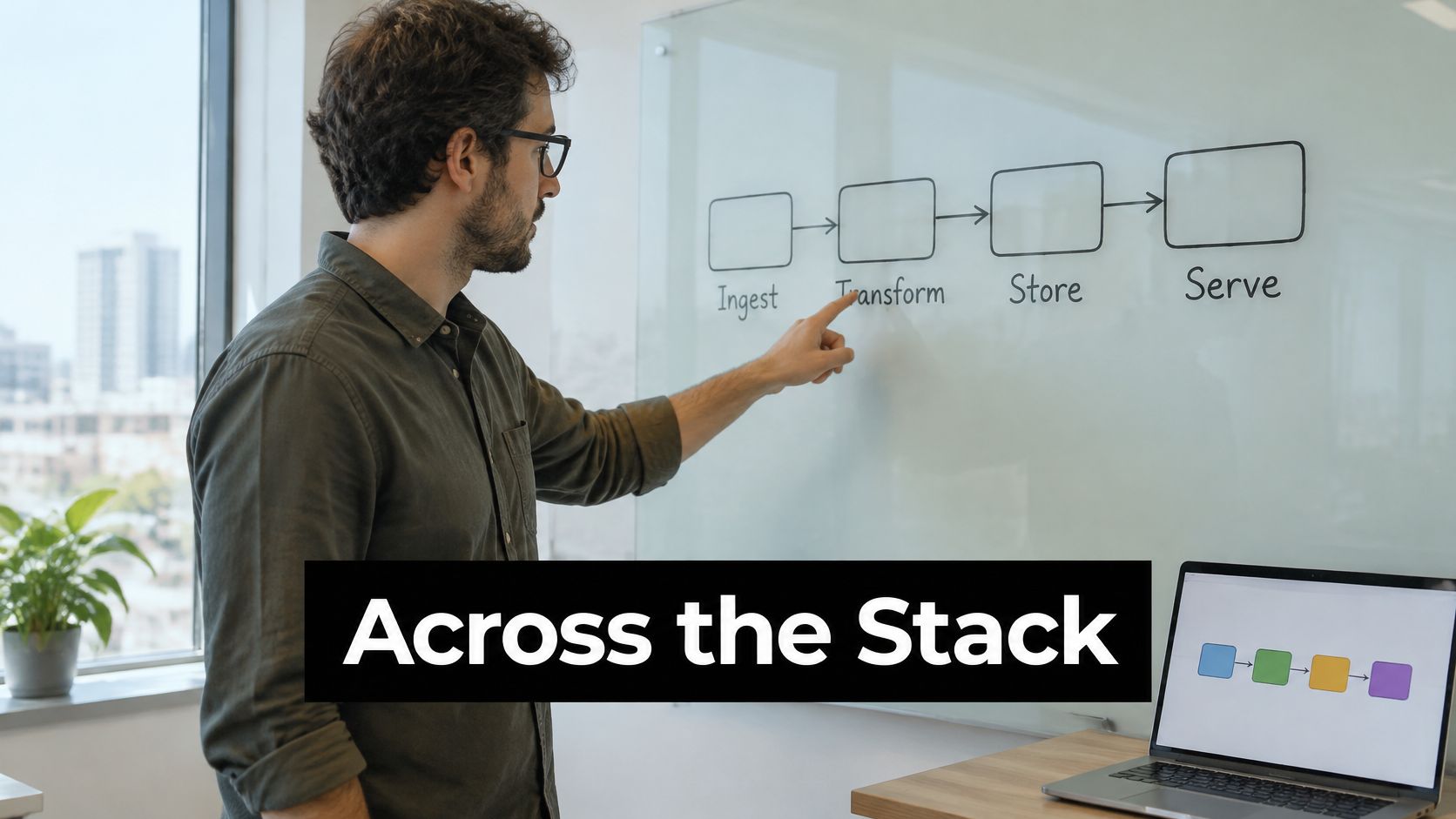
Each source contributes a different edge to the graph.
Lineage sourceConnection to SnowflakeExample in the graphSnowflake query historyNative, automaticTable built by a CTAS statementExternal query logsCombined into the graphPostgreSQL query feeding a Snowflake tableBI systemsConnectorTableau dashboard reading a warehouse columnOpenLineage eventsREST endpointAirflow run publishing source and target objectsdbt modelsPublishes lineage metadatadbt model linking a PostgreSQL column to a Snowflake table
Apache Airflow earns its own note because it sees the moves Snowflake can't. For every run it posts source and destination metadata to the Snowflake REST endpoint, which means a table populated by a task outside the warehouse still shows a parent in the graph.
That's the practical payoff. When the customer_status field looks wrong on Monday, the engineer opens one graph, sees the dbt model that recast it, and knows which dashboard consumers to warn before lunch.
The Coverage Caveat
The graph is only as complete as the events producers send. A producer that was never configured, or one that posts events using a different object-naming convention, creates a gap that looks exactly like a missing dependency. You won't get a warning. You'll get a clean, confident, wrong answer.
Compare the graph against one pipeline you know by heart after setup. If the dbt model in the middle is absent, the problem is the producer, not the pipeline.
Turning Lineage Into AI Governance Evidence
A source table changes, and an AI-assisted decision shifts with it. Snowflake lineage can show which columns, datasets and registered machine-learning assets depend on that source. It cannot, on its own, prove that the data was accurate, that a model was safe, or that someone approved the resulting decision.

From Provenance to Control
Use lineage as one part of an audit record, alongside controls that capture what the graph cannot:
- Sensitivity classification shows whether a source contained regulated or otherwise sensitive data.
- Data-quality results show whether checks passed when the data was used.
- Model and agent versions identify which model, retrieval index and prompt template were in use.
- Human approvals and incident records document decisions and exceptions.
In November 2024, Snowflake's lineage preview extended the graph to stages and machine-learning assets such as datasets, feature views and models. The lineage was exposed through Snowsight, SQL and Python (Snowflake release notes). That can give a reviewer registered dependencies to inspect, rather than relying only on a manually maintained spreadsheet.
For each relationship, retain a freshness timestamp and record how the lineage was captured. Query-derived and event-derived relationships have different coverage, so the capture method helps reviewers interpret the evidence. Assign an owner to each object, and define a process for investigating dependencies the graph does not explain.
For a broader discussion of governing enterprise AI in materials research, provenance and approval controls can be considered together. The domain-specific example is useful as a governance lens, while Snowflake lineage itself remains evidence of dependencies, not proof of compliance or model quality.
A practical audit test is simple: can a reviewer identify which datasets, columns, models and automated decisions may have been affected by a source later found to be wrong? The graph narrows the investigation. Quality results, version records and approval logs establish what lineage alone cannot.
Common Lineage Gaps and How to Close Them
A missing edge can mean several different things: the object was temporary, an external tool did not send lineage events, or the relationship is a reference rather than a copy. Check which case applies before treating the graph as incomplete.
SymptomLikely causeFixStaging table missing from the traceTemporary object was dropped after the sessionTrace from the final table; Snowflake can preserve lineage after the temporary object is droppedExternal tool missing from the graphOpenLineage events were not posted to the REST endpointCheck the producer configuration and confirm object names matchView shows no copied dataDependency is a reference, not a copyCheck the object dependency path; a reference does not create a copied-data relationshipLineage older than one year missingRetention window has passedExport or archive lineage before it reaches twelve months
The Temporary Table That Disappears
A pipeline stages transaction data in a temporary table overnight, transforms it, then loads a permanent fact table. The staging object is dropped when the session ends, but that does not necessarily erase its lineage. Snowflake documents lineage for temporary objects in its guidance on temporary-object lineage.
The distinction matters during an incident. If a load fails, the graph may still show the relationship between the fact table and the dropped staging object, helping an engineer trace the transformation path. Lineage can show dependencies; it does not, by itself, prove which row was wrong or why.
For an external producer such as Airflow or dbt, first check whether it sends events to the REST endpoint. Then compare its object names with the names Snowflake uses. A naming mismatch can leave a real dependency absent from the graph.
Use this sequence to investigate:
- Check whether the object appears in the graph. If it does not, confirm that it was registered or that an event was received.
- Compare a copy with a reference. A reference points to an object without creating a copied-data relationship, so check the dependency path before calling the edge missing.
- Review the producer configuration and object names. Confirm that events are being sent and that names align.
- Check the age of the lineage. If it falls outside the retention window, look for an archived record; the live graph may no longer contain it.
Confirm Your Lineage Coverage Before the Next Release
Five checks you can finish this week, each removing one blind spot.
- Verify critical objects have both paths. Every table and view that feeds a regulated report or a production model should show upstream and downstream relationships. An object with one path is half mapped.
- Test one external producer end to end. Confirm Airflow or dbt posts OpenLineage events, that object names match, and that the graph matches a pipeline you already know.
- Add the downstream check to the release pipeline. List affected objects automatically before each deployment and save the output against the change ticket.
- Schedule the archive job. Anything your obligations require beyond the native window needs to be exported before it expires, not after.
- Attach ownership and freshness to AI-facing objects. Every object feeding a model or a regulated report needs a named owner, a freshness timestamp and an exception path.
Answer this before the next release: which objects would this change touch, and can you show the saved evidence that proves it?
If the honest answer to that question is "we'd find out on Monday", it's worth a conversation. We design data warehouse architecture, build transformation and integration layers, and maintain Snowflake implementations, and as part of the Snowflake Partner Network with SnowPro Certified Developers we do this work on live accounts rather than in theory. Talk to Faberwork about mapping your downstream dependencies before the next schema change, so the dashboard that breaks is one you already warned people about.


