By Q1 2021, the Google Play Store already featured nearly 3.5 million mobile apps, creating a crowded environment for every logistics mobile app competing for attention and adoption. In fleet operations, the more important signal was practical: 43% of fleet leaders were using smartphone or mobile apps for fleet management, while 41% expected adoption to keep rising, according to Zonar's fleet management app overview. The field had moved beyond asking whether drivers should use mobile software. The question became whether the app could keep working when the network couldn't.
That distinction determines whether a logistics mobile app improves delivery execution or creates another source of exceptions. A driver may need to capture a signature inside a warehouse with weak reception. A dispatcher may need the driver's latest stop status before assigning a recovery route. Finance may need an audit-ready proof of delivery without waiting for a paper document or a manual call.
The strongest enterprise implementations treat offline-first reliability as the central design constraint. Routing, tracking, messaging, analytics, and AI matter, but they only produce operational value when the app preserves accurate work in the places where logistics happens.
What a Logistics Mobile App Actually Does in 2026
At 5:47 a.m., a dispatcher might be managing 38 drivers, two brokers, and a missed electronic proof of delivery. One incomplete signature can delay invoicing, trigger a customer dispute, or create a chargeback. The dispatcher's problem isn't a missing map pin. It's a broken chain of operational evidence.
A modern logistics mobile app connects that chain. It gives drivers their assigned work, navigation, stop instructions, barcode scanning, status controls, messaging, and proof-of-delivery capture. It gives dispatchers live operational context, exception handling, geofence events, ETA changes, and the ability to intervene without relying on repeated check calls. It gives warehouse teams and back-office planners structured handoffs instead of disconnected updates.
The category has expanded beyond trip sheets and GPS tracking because logistics work now crosses several roles:
- Drivers execute stops, scan freight, capture signatures, record exceptions, and work safely under time pressure.
- Dispatchers assign work, monitor late stops, communicate changes, and coordinate recovery.
- Yard and warehouse staff confirm arrivals, dock activity, loading events, and handoffs.
- Back-office teams use delivery events to trigger invoicing, customer notifications, compliance records, and reconciliation.
The business case is equally operational. A well-designed app can support lower detention exposure, fewer manual check calls, faster invoice readiness, and audit-ready proof of delivery. Those outcomes don't come from adding more screens. They come from ensuring that the right event is captured by the right person, at the right point in the workflow, and synchronized without ambiguity.
Market adoption reinforces that direction. A 2026 digital freight matching market estimate valued the market at USD 39.62 billion, with a projection of USD 136.61 billion by 2031 and a projected 28.09% CAGR. Mobile-based apps were projected to grow at a 33.14% CAGR from 2026 to 2031, showing that the mobile interface is becoming a primary operating surface rather than a companion to the control tower.
From Control Towers to Driver Phones
The first generation of enterprise logistics software lived in the control room. Dispatchers watched desktop screens, called drivers, updated trip sheets, and pushed changes through radios or phone calls. The system knew what had been entered into the console, but it often didn't know what had happened at the stop until somebody reported it.
The migration to mobile happened in stages:
- Desktop control towers centralized decisions. This made planning visible to dispatchers, but it left execution at the edge of the network.
- Cab-mounted tablets brought instructions into the vehicle. Drivers could receive routes and send status updates without returning to a terminal.
- Rugged handhelds added scanning and documentation. The device became useful at the dock and the doorstep, not just in transit.
- Consumer smartphones lowered deployment friction. Enterprises could use familiar hardware with mobile device management, secure containers, and role-based access.
An air traffic control tower is a useful analogy. At first, the tower holds most of the information and directs every movement. Over time, pilots receive better instruments and communicate directly with the system. The tower still coordinates the network, but authority moves closer to the aircraft. A logistics mobile app makes the same shift, giving drivers the tools to execute and confirm work at the point where it occurs.
That relocation provides capabilities a desktop cannot provide as naturally:
- Barcode scanning at the dock
- Signature and photo capture at delivery
- Push-to-talk or in-app messaging with dispatch
- Live ETA recalculation after a traffic change
- Geofence-triggered arrival and departure events
- Offline access to routes, manifests, and stop instructions
Practical rule: Mobile isn't a smaller dispatch console. It is the execution layer that turns physical events into trusted system records.
The analytics discipline behind this transition also deserves attention. Teams often measure adoption, completion, and exceptions across several operational roles, much like they would approach marketing analytics for teams, where behavior must be connected to outcomes rather than isolated in a dashboard. In logistics, the useful question isn't whether a driver opened the app. It's whether the app helped complete a stop, capture valid evidence, and reduce dispatcher intervention.
Once the device reconnects, it should return confirmed field events to the control tower without forcing the driver to repeat work.
Must-Have Features Drivers and Dispatchers Actually Use
Feature lists become useful only when they map to a job. Drivers need fast, forgiving workflows. Dispatchers need a reliable view of exceptions. Back-office teams need events that connect execution to billing and customer service.
Driver workflows
The driver experience should begin with a truck-aware route, not generic navigation. The app needs to respect vehicle restrictions, delivery windows, stop sequence, and special instructions. Barcode scanning reduces manual entry, while electronic proof of delivery should support signatures, photos, comments, and GPS coordinates. A driver scan app example demonstrates this field pattern, including offline scanning and automatic synchronization after reconnection.
The trip queue must remain usable without coverage. Route details, manifests, status changes, and captured evidence should be available locally, with clear indicators showing which records are pending synchronization. Fatigue and safety alerts should interrupt only when necessary, because excessive notifications train drivers to ignore important ones.
Dispatcher workflows
A dispatcher needs more than a live map. Stop grouping, exception queues, dynamic rerouting, driver messaging, and geofence alerts should reduce the time required to understand what needs intervention. Geofencing becomes valuable when it creates a trusted operational event, such as arrival, departure, or dwell initiation, rather than just drawing a radius around a location.
The fleet geofencing success story is useful background for teams evaluating how location events can support fleet workflows. The design question remains specific: which event should trigger a notification, workflow transition, or escalation?
Back-office handoffs
Back-office users need structured events, not screenshots from a driver's phone. A completed delivery should be able to trigger invoice readiness, customer ETA updates, document archiving, and a handoff to the dock scheduler or warehouse management system.
When the roadmap is crowded, teams can use methods such as product feature prioritization with AI, but field validation still decides what belongs in the first release. A route optimizer is less valuable than reliable offline proof of delivery if the business regularly operates in coverage gaps.
RoleFeatureOperational OutcomeDriverOffline trip queueWork continues when cellular service dropsDriverBarcode and document captureFewer manual entries and stronger delivery evidenceDriverTruck-aware navigationRoutes reflect vehicle constraintsDispatcherException inboxStaff focus on late, blocked, or failed stopsDispatcherGeofence alertsArrival and departure events update workflowsBack officeInvoice-ready delivery eventBilling starts from confirmed executionCustomer serviceETA portal and notificationsFewer status calls and clearer expectations
Tracking and routing are baseline capabilities. Differentiation appears in the exception path, especially when a stop is late, a signature is missing, or a device reconnects after several actions were completed offline.
Architecture and Tech Stack for Field-Ready Apps
Treat the network as hostile. A logistics mobile app shouldn't assume continuous connectivity, stable uploads, or a single author for every record.
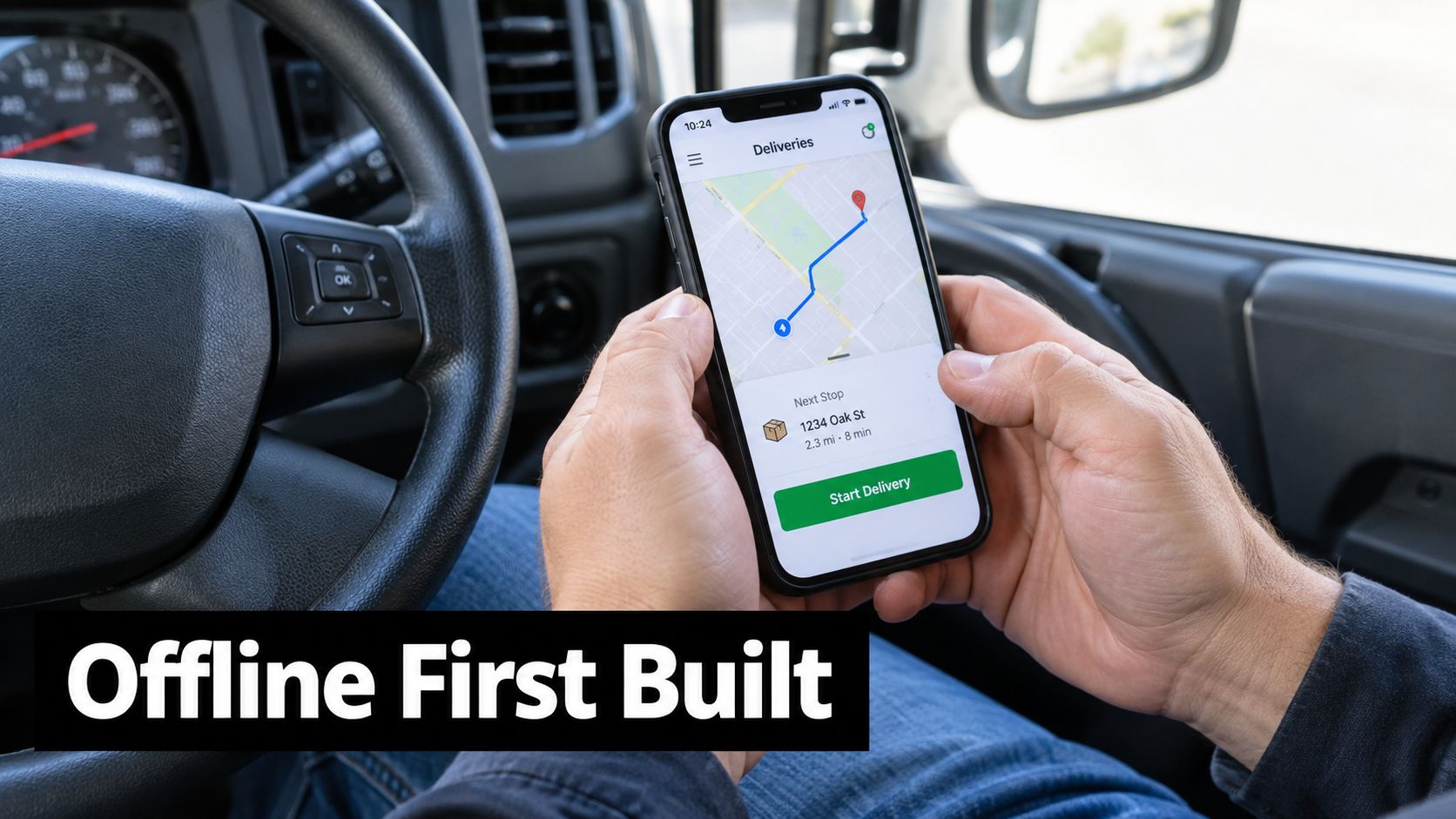
The mobile client should act as an offline-first operational repository. Store route details, manifests, proof-of-delivery photos, signatures, status changes, and GPS events locally using SQLite, Room, Core Data, WatermelonDB, or a comparable embedded database. Every mutation should enter an outbox queue with an idempotency key. When synchronization retries, the server can recognize the same operation instead of creating duplicate deliveries, ledger records, or document entries.
Background synchronization needs exponential backoff and explicit state transitions. A photo upload shouldn't disappear because the driver closed the app. The interface should distinguish between captured, queued, uploading, accepted, and rejected states so the driver knows whether action is needed.
Conflict resolution is a business policy
The difficult case occurs when a driver and dispatcher edit the same stop while the device is offline. The application shouldn't hide this conflict behind a generic last-write-wins rule.
Assign ownership by field. The driver can own arrival, signature, photo, and delivery exception fields. The dispatcher can own assignment, priority, and route sequence. If both parties edit a shared field, the server should preserve both versions, apply a deterministic precedence rule, and create an exception for review. Sync order should use event time and server receipt time, while immutable evidence, such as a signature, should never be overwritten without review.
The logistics software architecture guidance describes the practical value of local caching, background synchronization, idempotency keys, and retry handling in this setting. These choices directly protect proof-of-delivery integrity.
Keep real-time transport selective
REST APIs and webhooks work well for routine commands and business events. MQTT or WebSockets can stream telemetry and dispatch updates when a connection is available, but streaming every signal to every client increases battery, bandwidth, and backend pressure. Put geofence evaluation on the device where appropriate, then send crossing events upstream asynchronously.
A thin backend API can publish events to an event bus, writing operational records to a transactional store and analytical records to a columnar warehouse in parallel. Managed Kubernetes, gRPC between internal services, and fleet-level feature flags are reasonable enterprise choices when the organization can operate them. A smaller team may be better served by managed platform services, because operational complexity can erase the benefits of architectural control.
For teams comparing cross-platform approaches, this React Native architecture guide offers useful context. The right stack is the one that preserves sync behavior, battery life, and rollback safety across supported devices.
AI and Snowflake Analytics Behind the Scenes
A logistics operation generates raw GPS pings, scan events, status changes, signatures, photos, and communication records. Collection is easy compared with turning those events into decisions that a dispatcher can act on.
A practical Snowflake design separates operational workloads from analytical workloads. Land incoming events in a raw schema, validate and normalize them, then promote curated models into separate databases or governed layers. Analytics queries shouldn't compete with transactional writes that drivers and dispatchers depend on during active routes.
AI should produce a decision, not another dashboard number. A route optimization model can evaluate stop sequences, traffic conditions, delivery constraints, and historical dwell behavior, then present a proposed reorder that a dispatcher accepts with one tap. Predictive ETA models can estimate arrival risk, while anomaly detection can flag route deviation or unusual dwell behavior. Demand forecasting can support planning without forcing field users to inspect model internals.
Serve signals at the point of action
The mobile app should receive a concise prediction such as “late delivery risk” or “route deviation detected,” with the reason and recommended action. Push notifications make critical exceptions visible without requiring a dispatcher to refresh a dashboard.
Heavy inference on every GPS ping is an avoidable cost trap. Use edge filtering to discard low-value events, batch suitable workloads, and run scheduled dbt models or Snowpark Python jobs for broader analysis. Keep low-latency predictions in a thin prediction service that reads curated features and returns only the signal needed by the client.
Use CaseSource DataSnowflake LayerMobile ActionPredictive ETAGPS, route sequence, traffic, dwell historyCurated feature modelsShow updated ETA and riskRoute optimizationStops, constraints, service windowsAnalytical planning modelsPresent an accepted reorderDelivery anomalyGeofence events, status changes, route pathEvent and anomaly modelsNotify dispatcher or driverDemand forecastingHistorical shipment and stop patternsScheduled forecasting modelsSupport planning and capacity decisionsProof-of-delivery auditSignatures, photos, comments, timestampsGoverned document and event modelsDisplay delivery evidence
The Python data analytics approach for logistics fits this pattern when teams need repeatable transformation, modeling, and operational reporting. Analytics earns its place when it shortens a decision or prevents an exception, not when it merely increases the number of charts.
Security, Compliance, and Deployment Choices
A logistics mobile app stores customer addresses, delivery evidence, driver information, and sometimes payment details. Security therefore belongs in the product design, not in a compliance document assembled after launch.
The first deployment choice is device ownership. Company-issued, MDM-enrolled devices give IT stronger control over application installation, encryption settings, updates, and remote wipe. BYOD lowers hardware overhead but requires containerized profiles, clear privacy boundaries, and support for a wider range of operating-system behavior. Drivers may prefer personal phones, while security teams may prefer managed hardware. The correct choice depends on the sensitivity of the records and the organization's ability to support both models.
Build controls into the data path
Encrypt data at rest on the device and in backend storage. Use managed keys, defined rotation procedures, least-privilege access, and audit logging for every sensitive read or change. Certificate pinning, jailbreak or root detection, session controls, and remote wipe should be considered baseline client protections for a field application that retains offline records.
Data residency must be decided before the first integration. Teams operating across jurisdictions should map where addresses, signatures, location records, and support logs are stored and processed, then align retention and deletion behavior with applicable GDPR, CCPA, FDA, DOT, customer-contract, and industry requirements. The policy should cover offline copies on devices, not only the central database.
Release gradually, recover quickly
A phased rollout is safer than a universal release. Use staged App Store and Play Console distribution, fleet-level feature flags, regional gates, crash monitoring, and automatic rollback criteria. A new sync engine should first reach a controlled fleet, because a defect can affect delivery evidence and billing rather than merely causing a cosmetic error.
SOC 2 and ISO 27001 should shape engineering routines. Access reviews, change management, evidence collection, incident response, and CI/CD approvals become part of normal delivery. Treating them as paperwork encourages teams to build controls around the system instead of into it.
The CTO's trade-off is time-to-value versus operational exposure. A narrow release with strong offline behavior and auditable records usually creates more durable value than a broad launch with untested integrations.
KPIs That Prove a Logistics Mobile App Is Working
A quarterly logistics review should answer business questions, not report screen activity. The CTO and VP of Logistics usually care first about on-time delivery rate, cost per delivered stop, and driver utilization. Those measures connect the mobile system to service quality and operating economics.
The app also exposes leading indicators that explain why those executive metrics are moving. Proof-of-delivery capture latency shows how quickly delivery evidence becomes usable. Geofence entry and exit accuracy indicates whether arrival and departure events can be trusted. The percentage of route events synchronized without manual reconciliation reveals whether the field workflow is producing clean operational data.
A dispatcher scenario makes the relationship clear. If the driver captures a signature and photo at the stop, the backend should record the evidence timestamp, upload status, and acceptance result. If the device was offline, the system should record the queue duration and reconciliation outcome. Those events support both invoice readiness and a diagnosis of where the workflow failed.
Use one view per audience
Avoid giving every stakeholder the same dashboard. Executives need outcome trends, dispatchers need live exceptions, product teams need app health, and engineering needs synchronization and integration diagnostics.
KPIDefinitionOwnerSourceOn-time delivery rateDeliveries completed within the committed windowVP of LogisticsDelivery and appointment eventsCost per delivered stopOperating cost allocated to completed stopsFinance and operationsTMS, billing, and delivery eventsDriver utilizationProductive route activity relative to available capacityFleet operationsAssignment, route, and status eventsPOD capture latencyTime from delivery completion to accepted evidenceOperations systemsSignature, photo, and sync eventsGeofence accuracyAgreement between location events and actual stop transitionsProduct and fleet teamsDevice location and stop recordsManual reconciliation rateRoute events requiring human correctionDispatch operationsSync exceptions and audit logsOffline queue depthPending local mutations awaiting uploadEngineering and supportMobile outbox telemetryApp crashes per mileCrash frequency normalized by route activityMobile engineeringCrash reporting and route telemetryETA varianceDifference between predicted and actual arrivalDispatch and data teamsPrediction and delivery events
Snowflake can consolidate these measures into audience-specific dashboards while preserving the raw events needed for investigation. A growing offline queue is a leading warning, even before customers see late deliveries. Rising crash activity can signal a bad release before monthly performance reports expose the damage.
The useful KPI is the one that tells a named owner what to change next.
A Short Planning Checklist Before You Start Building
Bring this checklist to the scoping meeting. If the team can't answer these questions, it isn't ready to estimate the build.
Scope and use cases
- Name the primary users: Decide whether the first release serves drivers, dispatchers, warehouse staff, customers, or a tightly defined combination.
- Choose the operational moment: Start with a measurable workflow such as route execution, proof of delivery, exception handling, or dock handoff.
- Define the failure path: Document what happens when a stop is late, a signature is missing, a photo fails, or the device loses connectivity.
Offline-first commitments
- Choose local storage: Select SQLite, Room, Core Data, WatermelonDB, or another repository that supports the required records.
- Define the outbox: Specify mutation states, idempotency keys, retry behavior, and user-visible upload status.
- Set conflict ownership: Decide which role owns each field and how shared edits are reviewed when both driver and dispatcher work offline.
- Protect evidence: Make signatures, photos, and delivery timestamps append-only or explicitly versioned.
Integrations and data contracts
- Map the system of record: Identify whether the TMS, WMS, ERP, or mobile platform owns assignments, stops, invoices, and delivery status.
- Select ingestion patterns: Decide which events flow through APIs, webhooks, an event bus, or batch ingestion into Snowflake.
- Version contracts: Define event schemas, required fields, replay behavior, and backward compatibility before integrations begin.
Security and compliance
- Choose device policy: Confirm company-issued hardware versus BYOD with managed containers.
- Set retention rules: Include local device copies, signatures, photos, location data, and support logs.
- Build access controls: Assign role permissions, key management, audit logging, remote wipe, and incident response responsibilities.
Rollout and measurement
- Select a pilot fleet: Use a controlled group that represents real routes and connectivity conditions.
- Gate releases: Plan staged store distribution, feature flags, crash thresholds, and rollback ownership.
- Lock the baseline: Record on-time delivery, cost per stop, utilization, POD latency, reconciliation rate, and app-health measures before launch.
Two questions separate a durable project from a stalled one: who owns the data model, and what is the cutover plan for routes already running in the legacy TMS? Answer both before writing production code. A logistics mobile app becomes an operational system at cutover, so migration, replay, and fallback must be designed as carefully as the driver interface.
Faberwork LLC is one option for organizations evaluating custom mobile, AI, and Snowflake-centered logistics solutions. Its published work includes fleet activity management, driver workflows, proof-of-delivery uploads, and geofencing-related systems, making it relevant when the project requires mobile execution alongside analytics and integration work.
If your fleet is still losing delivery evidence in dead zones or asking dispatchers to reconstruct stop activity from calls, start with a field workflow audit. Map one route from assignment through proof of delivery, identify every offline failure and manual handoff, then use that map to define the first release, data contract, and KPI baseline for your logistics mobile app.


