
A technician doesn't experience your ERP, dispatch console, or integration layer. She experiences the phone or tablet in her hand while driving between jobs, standing beside a failed asset, or working in a basement where the signal disappears. If the app can't show the right context, save work offline, and recover cleanly when connectivity returns, the office may have a complex system, but the field operation still runs on calls, paper, and memory.
That's why a field service mobile app should be treated as an operational system, not a convenience layer. The strongest implementations reduce taps, preserve job context, synchronize predictably, and use AI as decision support that technicians can inspect and override. The outcome is practical: fewer interruptions, cleaner records, faster completion, and better decisions at the point where the work happens.
A Tuesday Morning on a Bad-Network Job Site
At 7:15 AM, a senior HVAC technician arrives at a condominium complex for the first job on her route. The resident isn't there. The app still shows the old access note, so she calls dispatch to confirm whether the appointment changed or the customer merely missed the window. That call is short, but it exposes the first failure. The technician is looking at stale job data while the dispatcher is looking at a different version of reality.
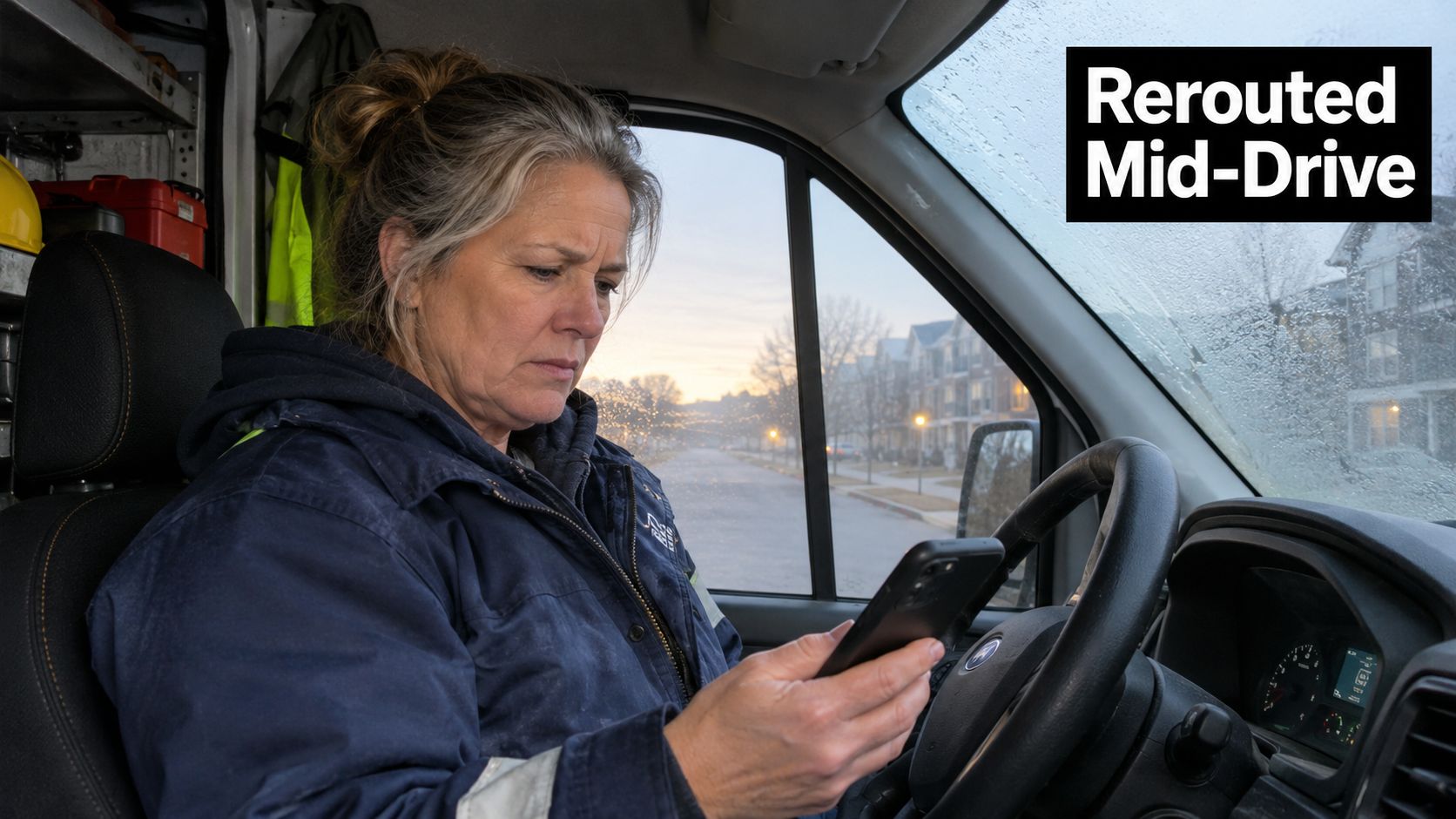
The next assignment changes while she's driving. Dispatch reroutes her to a commercial site with a failing cooling unit. The phone notification arrives, but the work order opens without the latest asset history. She knows the building, but not the service pattern. Was the compressor replaced recently? Is the unit under warranty? Which part did the previous technician install? She calls again, pulls over, and waits while someone in the office searches several systems.
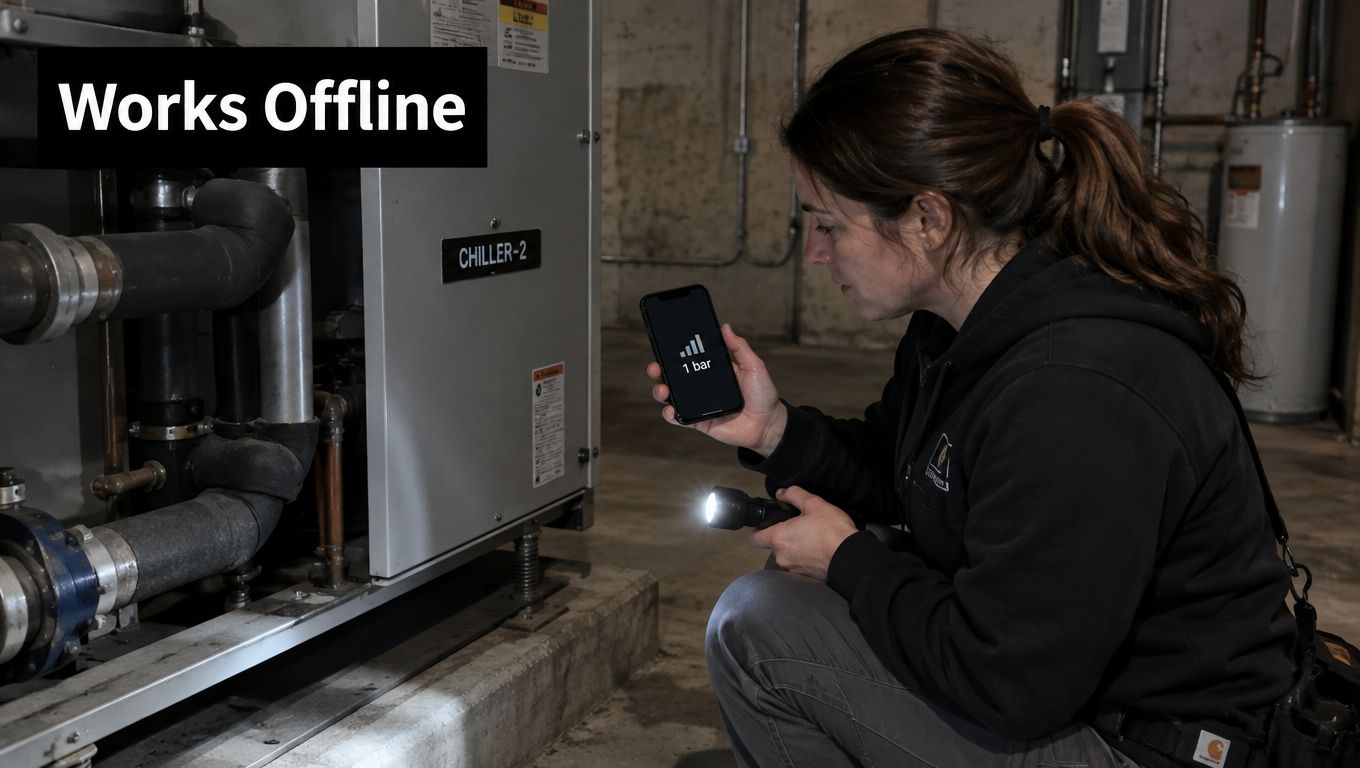
The chiller is in a basement with one bar of signal and no Wi-Fi.
She can inspect the equipment, but the asset history won't load. She can take photographs, but the upload spinner never finishes. The customer is ready to sign, and the signature screen insists on contacting the server before it saves. A clipboard becomes the fallback. So does a note in her phone, followed by a promise to enter everything again later.
The cost of one extra tap
This is the rhythm fleet leads recognize. A technician calls dispatch for information that should have been cached. A dispatcher repeats an update because the first status didn't reach the device. A completed job sits in a notebook because the app treated connectivity as a prerequisite for completion.
The industry has moved beyond treating mobile as optional. One 2025 industry summary reports that 78% of field service companies require a mobile app for technicians, compared with 31% in 2020, and reports that mobile users complete 35% more jobs per day than paper-based colleagues according to the cited industry summary. The same source reports that apps requiring an internet connection fail in 40% of field service locations, which explains why offline behavior isn't a premium feature.
The app that earns trust on this Tuesday isn't a thin client over the ERP. It's the technician's working system. It must hold the assignment, the asset context, the evidence, the signature, and the next action even when the truck leaves coverage.
What a Field Service Mobile App Actually Does
A field service mobile app is the technician-facing surface for work orders, asset information, job decisions, and proof of service. It isn't the dispatcher console, which optimizes the fleet, and it isn't the customer portal, which communicates arrival times and invoices. The mobile app translates operational data into actions a person can complete with one hand, often while wearing gloves or standing beside equipment.
A useful home screen answers three questions immediately: where do I need to go, what's at risk if I'm late, and what should I know before I arrive? A job list should support proximity and SLA risk rather than forcing a technician to open every appointment. The work order should surface asset history, required parts, safety notes, and prior photographs before the technician starts digging through tabs.
The workflow should follow the job
A technician usually expects a compact sequence:
- Open the route: See assignments, location context, priority, and schedule changes.
- Prepare for the visit: Review asset history, instructions, parts, and customer notes.
- Perform the work: Scan equipment, follow a checklist, add notes, and capture photographs.
- Close the job: Record time, collect a signature, update status, and trigger invoicing or follow-up.
Parts lookup needs a local fallback because the inventory question often comes up inside a plant room or rural property. The completion screen should keep clock-in, notes, signature, photographs, and status close together. Products that separate these actions across deep navigation trees force technicians to reconstruct the job after the fact.
The opposite patterns fail consistently. Modal stacks hide the action a worker needs next. Mandatory fields block a save when the technician has a valid reason not to know an answer yet. Chat-style comment threads lose the connection between a note, an asset, and a task. The mobile application patterns used in logistics workflows are relevant here because navigation, scanning, status changes, messaging, and proof capture must work as one field sequence.
The data model matters as much as the screen
The interface depends on capabilities that users rarely see directly:
- Identity and roles determine which jobs, customer records, and actions a technician can access.
- An offline cache keeps assigned work and relevant asset data available without a network.
- Barcode or QR scanning reduces transcription errors on equipment and parts.
- A meaningful status model reflects how the business measures dispatched, arrived, paused, completed, and exception work.
Salesforce describes its Field Service mobile app as giving technicians access to appointments, work orders, inventory, and service history, with collaboration through messages and photographs in its mobile app listing. That's the right mental model. The app is not a data-entry form attached to a database. It's a decision-support surface that helps a technician choose the next correct action under time pressure.
Offline-First Architecture and Sync That Survives the Field
Offline-first design starts with an uncomfortable assumption: the network will fail at the worst moment. A basement, tunnel, rural route, or dense industrial building can turn a live API call into a blocked workflow. The device must therefore hold enough information to let the technician read and write core job data locally, while synchronization becomes a background process rather than a condition of progress.
Make the device useful without a connection
Use a transactional local database with a versioned schema. SQLite-backed storage is a practical choice for many mobile implementations, but the important property is transactional consistency, not the brand of database. The application should pre-stage assigned work, customer context, asset history, forms, and a route-sized parts cache rather than attempting to download the entire enterprise dataset.
A technician should be able to:
- Read the assigned work order and relevant history.
- Add notes, photographs, measurements, and status changes.
- Capture a signature and queue the completion event.
- Review locally available parts and instructions.
- Continue through a checklist without waiting for a live response.
Microsoft's documentation for the Dynamics 365 Field Service mobile app describes offline data access, configurable offline sync filters, and offline-by-default behavior in its mobile overview. The design implication is significant. Administrators can constrain cached data by account or location, which reduces local storage and makes synchronization more relevant to the technician's route.
The practical engineering model is also clear in this analysis of cross-platform field worker applications. The local database becomes the working source of truth, while a sync engine handles queued updates when connectivity returns.
Treat synchronization as a queue
A sync engine shouldn't behave like a sequence of fragile requests. It should maintain an outbox of durable operations, each with an identifier, entity, action, version, and retry state. A completed signature or status transition must remain queued across an app restart, not disappear because the upload failed.
Idempotent operations prevent retries from creating duplicate records. Delta payloads reduce cellular use by transmitting changes instead of full work orders. Partial sync lets the application prioritize the current job, then refresh less urgent history in the background. Battery and cellular policies should bound background activity, especially for fleets that spend long periods away from chargers.
Blind last-writer-wins logic creates operational problems. If two technicians update the same work order, the later request can overwrite a safety note, completion status, or parts decision without telling anyone. Use explicit state transitions, server-issued versions, or another deterministic conflict model so the back office can see what conflicted and why. The user experience should offer a clear resolution, not discard one technician's work without notice.
Practical rule: If the platform team can see app crashes but can't see queued operations, failed retries, stale records, and reconciliation drift, they don't have visibility into field reliability.
Log sync duration, payload size, retry count, last successful synchronization, conflict type, and the age of the oldest unsent operation. Alert on persistent queues and repeated reconciliation failures. The field team doesn't care that an API returned a technically valid response. They care that the completion record reached the office.
The offline operation documented for Salesforce Field Service reflects the same business requirement. Technicians must be able to complete work with limited or no connectivity, especially at remote or unstable sites.
A useful field test is to switch to airplane mode halfway through a job, complete the workflow, force-close the application, reopen it, and restore connectivity later. If the job survives that sequence with a deterministic server result, the architecture is doing its job.
Integrations That Turn the App Into an Edge System
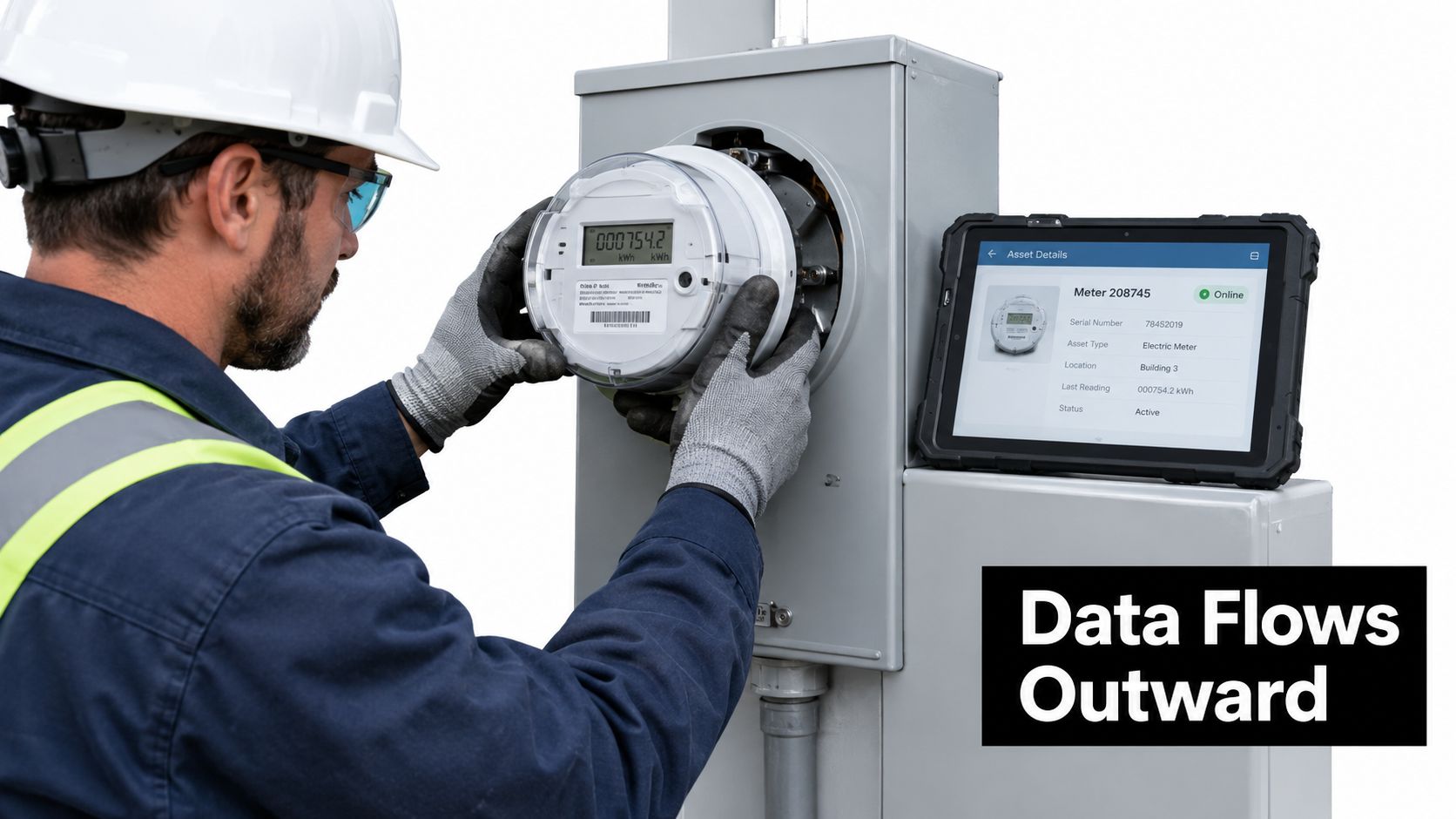
Consider a meter swap. The technician scans the old meter, confirms the replacement, records a reading, photographs the installation, and captures a customer signature. That single field event should update more than the mobile screen. It should change the asset record in the ERP, adjust parts availability, contribute to the telemetry history, inform route context, and become an analyzable event in Snowflake.
The flow works best when each system has a clear responsibility. REST or event-stream APIs can carry work orders and inventory changes into the ERP. MQTT or OPC UA can provide equipment telemetry where the asset supports it. Telematics webhooks can supply vehicle position, ignition state, or arrival context. Batch or streaming loads can move operational events into Snowflake for reporting and model development.
Decide what stays local
The device should cache the data needed to complete the meter swap, including the assigned asset, relevant instructions, permitted replacement parts, and forms. The scan, reading, photograph, and signature become queued events if the signal is unavailable. The dispatcher should see a clear state such as “completed on device, awaiting sync,” rather than a misleading absence of activity.
When synchronization succeeds, the ERP receives the transaction, the inventory service reserves or consumes the part, and the asset record gains the new meter identity. The analytics pipeline receives the event with its timestamp, technician context, location, and outcome. A later route decision can then use the updated asset and vehicle context.
The integration boundary is where many programs fail. ERP throttling can delay work-order updates. Certificate rotation can break a trusted connection without affecting the app's user interface. Schema drift can change a field name or data type while downstream consumers continue expecting the old structure. An IoT payload may never arrive, leaving an AI model or dispatcher with incomplete context.
Faberwork offers Android and iOS mobile application development alongside Snowflake-centered data solutions, so it's one possible partner for organizations connecting field workflows with analytics and operational systems. The relevant question isn't whether an integration exists on a diagram. It's whether the team can trace one event from device capture through ERP, telemetry, vehicle data, and analytics, then return useful context to the technician.
A field app becomes an edge system when it can make a safe local decision, preserve the evidence, and close the data loop later.
AI and Automation Use Cases in the Field
AI adds value when it removes uncertainty without hiding the reason for a recommendation. The technician still owns the physical decision, particularly when safety, access, or equipment condition differs from the data available to the model.
Scheduling is a good example. A central constraint solver can consider skills, SLA windows, travel time, parts, and existing assignments. The device receives the resulting job order and any exception explanation. If the model is uncertain or new work arrives during the day, fallback rules should preserve the existing schedule rather than forcing an opaque change.
Predictive maintenance should work similarly. A central service can calculate a failure score from IoT signals and work-order history, then send a plain recommendation such as inspecting a bearing or checking a pressure trend. The mobile app needs the recommendation, supporting evidence, and a dismiss action with a reason. It doesn't need to run a large model locally when a cached explanation and a safe workflow are enough.
Routing can be centrally re-optimized when traffic, weather, or a new ticket changes the day. Push the result as a soft suggestion, not a forced reroute. The technician may know about a gate restriction, vehicle limitation, or customer commitment that the routing engine cannot see.
Agentic AI has a narrower but useful role. A copilot can read asset history, draft a parts request, summarize notes, or prepare a closure record. Each action should require technician approval before it changes inventory, customer communication, or the official work order. Practical examples of visual identification and AI-assisted workflows are discussed in this AI truck visual identification model overview.
AI Use Cases: Where Logic Runs and What the User Sees
Use CaseRuns OnPrimary InputsIn-App BehaviorSchedulingCloudSkills, SLA windows, travel, assignmentsShows a ranked assignment or change with fallback rulesPredictive maintenanceCloud, with cached results on deviceIoT signals, asset history, work ordersDisplays a recommendation, evidence, and dismiss reasonDynamic routingCloud and telematics servicesTraffic, weather, new tickets, vehicle stateOffers a suggested route change that the technician can acceptAgentic assistanceCloud for reasoning, device for approvalAsset history, notes, parts, formsDrafts an action and waits for explicit technician confirmation
The device should retain the last trusted recommendation and the explanation attached to it. The cloud should own model training, heavier inference, fleet-wide context, and audit logs. The user interface should answer three questions quickly: what does the system recommend, why, and what happens if I ignore it?
Security, Performance, and Testing Under Real Conditions
A field device is exposed to loss, shared environments, unreliable networks, and hurried users. Security needs to protect customer and asset data without turning a wet glove into an incident. Certificate pinning, hardware-backed key storage, MDM enrollment, and role-based access synchronized from the ERP provide a credible baseline.
Biometrics can make sign-in convenient, but they won't work in every condition. A technician wearing gloves, handling equipment, or working with a wet screen needs a controlled fallback code or device-authentication path. Offline permissions also require care. Cache only the records needed for the route, encrypt local data, and revoke access when the device checks in again.
Measure the interaction, not just the uptime
A service can report high availability while technicians wait through slow lists and repeated loading screens. Set a cold-start budget under three seconds for the first useful interaction. Test list rendering against inventories containing 10,000 assets, not only a clean development dataset. Compress images before upload so proof of work survives a slow uplink without consuming unnecessary battery or data.
GPS polling creates another trade-off. Continuous location capture may improve visibility, but it drains batteries and can feel intrusive. Use event-based updates, route-aware intervals, and explicit retention rules. Performance work should protect the actions that matter most, opening the current job, saving a note, capturing evidence, and completing a status change.
Test the failures deliberately
A lab with stable Wi-Fi cannot represent field conditions. Include:
- Drop testing: Confirm that the device and protective case survive routine handling.
- Thermal throttling: Test performance after prolonged exposure to heat or direct sunlight.
- Spotty LTE: Introduce intermittent connectivity while saving notes and photographs.
- Airplane mode: Disable the network mid-workflow, then restore it after the job is complete.
- Battery constraints: Measure location, camera, and synchronization cost across a realistic route.
Track time to first interaction, sync success after a tunnel, and mean reconciliation drift between device and server. These measures reveal whether the system supports work, not merely whether the application process remains alive.
A useful field service mobile app has fewer visible features than a poorly designed one. The difference is that its central actions remain fast, secure, and recoverable when conditions deteriorate.
Build vs Buy and How to Pick Without Regret
Build versus buy is a scoring exercise, not a belief system. The right choice depends on how distinctive the workflow is, how much control the organization needs, and whether the team can maintain mobile infrastructure after the launch excitement fades.
Score each option against time to first field deployment, cost per technician per month over three years, depth of offline support, integration cost with the existing ERP and telematics stack, data residency control, roadmap influence, and the ongoing cost of mobile releases, device support, observability, and security.
CriterionBuildBuy (Vendor)HybridTime to first field deploymentUsually slowerUsually fasterModerateOffline depthFully controllableDepends on documented capabilitiesCore platform capability can be purchased and extendedERP and telematics integrationOwned internallyMay require vendor servicesWorkflow team owns critical connectionsData residency controlHighest potential controlContract and architecture dependentShared responsibilityRoadmap influenceDirectLimited to vendor roadmapControl over differentiating workflowsLong-term maintenanceInternal mobile and platform burdenSubscription and vendor dependencyPlatform maintenance is sharedWorkflow differentiationHighLimited to configurationHigh where the business needs it
A build approach makes sense when the field process itself is a competitive differentiator, the company has durable mobile engineering capacity, and data or integration constraints rule out packaged products. The risk is underestimating sync, device management, observability, and release support.
A buy approach can shorten adoption for standard dispatch, work-order, invoicing, and technician workflows. Test it under airplane mode, not only in a sales demo. Reject vendors that can't explain conflict resolution, expose no meaningful offline documentation, make opaque AI promises, or tie pricing to data volume in ways that punish richer field evidence.
A hybrid model often fits enterprise teams. Buy the tested platform, identity layer, and synchronization foundation. Own the workflows, integrations, decision rules, and data contracts that make the operation distinct.
For a broader framework on evaluating AI capabilities and deciding what belongs in-house, the Yellow.ai whitepaper on AI strategy provides useful context. The cheapest quote rarely stays cheapest once dispatchers, technicians, security teams, and integration engineers all spend time compensating for the product.
What to Do in the Next Two Weeks
Use the next two weeks to collect evidence before committing budget. Don't begin with a feature list. Begin with the conditions that make the current workflow fail.
Week one should observe the operation
Ride along with two technicians in the worst coverage area. Watch the work without directing it. Log every workaround, including calls to dispatch, screenshots, paper notes, duplicate entry, photos stored outside the official system, and jobs paused while the app reconnects.
Capture specific failure modes:
- Dropped jobs: The technician misses a reassignment or cannot see the latest instruction.
- Double entry: The same reading or note is recorded on paper and entered later.
- Sync stalls: The device appears complete, but the back office has no reliable status.
- Missing context: Asset history, parts data, or access information arrives too late.
At the end of the week, choose one workflow that represents the hardest conditions. A chiller inspection, utility meter replacement, or telecom repair is more useful than a simple job in a strong-signal location.
Week two should test vendors directly
Run a short RFx with three vendors. Ask each one to demonstrate the chosen workflow live on a real device in airplane mode. Require the representative to create a note, capture a photograph, complete a status transition, collect a signature, close the app, and synchronize after connectivity returns.
Request the conflict-resolution section of each vendor's technical documentation. Ask how the product handles duplicate updates, stale assignments, failed uploads, schema changes, and revoked users. Request a reference customer using the same ERP, because an integration that works with a different back office may not expose your actual constraints.
Present the steering committee with a one-page scorecard, a recommended build, buy, or hybrid path, and one pilot metric. Choose job completion time, first-time fix rate, or sync conflict count. The decision checkpoint should produce a defensible direction, not a final vendor selection based on a polished demo.
Start by scheduling the two technician ride-alongs, selecting the worst-network route, and writing down the exact offline workflow you'll test. Then ask three vendors to prove that workflow in airplane mode, inspect their conflict-resolution documentation, and score the results against your ERP, telematics, security, and maintenance requirements. The strongest field service mobile app is the one your technicians can trust when the signal disappears, so make that condition the first thing you validate.


