Your team wired three systems into a language model last quarter. The demo worked. Then a support lead asked the agent why order 4471 shipped late, and it answered confidently from a tool it had no business calling, using credentials nobody could trace back to a person.
That gap between a demo that works and a system you can defend in an audit is where most agentic AI programs stall. The Model Context Protocol, MCP for short, closes the integration half of that gap. The governance half stays entirely in your hands.
Here is how the protocol works, where it breaks, and what to measure before you scale it.
What MCP Is and Why It Exists
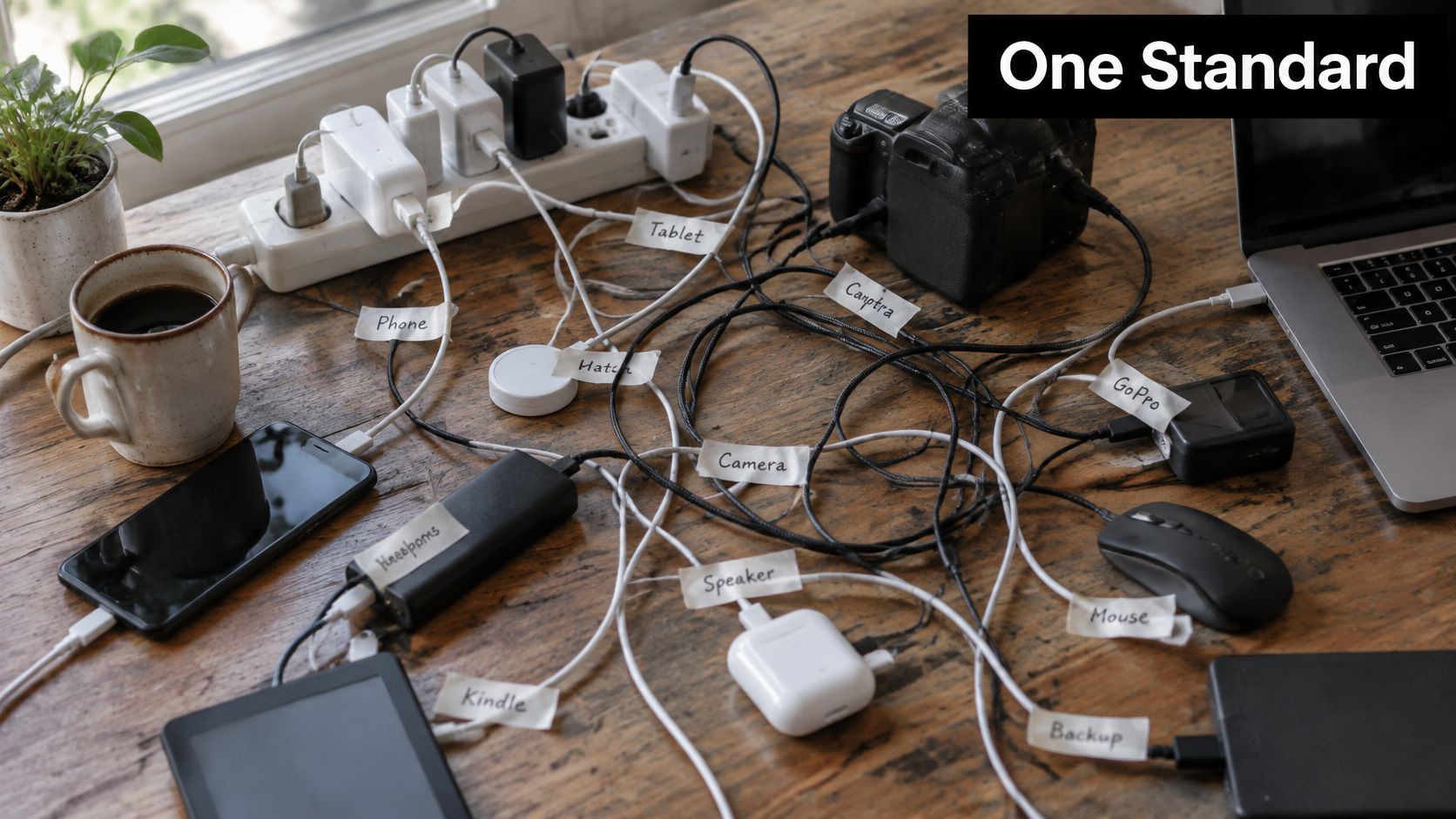
A USB-C port doesn't care whether you plug in a monitor, a drive or a charger. The connector is standard, so the laptop maker and the accessory maker never negotiate a new cable shape.
Your AI integrations are the opposite. Every assistant needs its own connector to every system it touches, and the connectors multiply fast: three models talking to four systems is twelve separate builds to maintain, test and secure. That multiplication is exactly what keeps capable language models stuck inside a chat window.
Anthropic introduced the Model Context Protocol on November 25, 2024, publishing the protocol specification and software development kits so developers could build against one interface instead of a fresh connector for every pairing, as set out in Anthropic's launch announcement. Early adopters included Block and Apollo, while development environments such as Zed, Replit, Codeium and Sourcegraph began working toward support.
An agentic AI system, in plain terms, is a model that retrieves context, calls approved tools and acts across business systems in a loop until a task is finished. MCP gives that loop a fixed set of handholds.
How MCP differs from plain function calling
Plain function calling lets one model call one function inside one application. The function is yours, the schema is yours, and nothing travels beyond your codebase.
MCP moves the connection into a shared standard. The same server works in any compliant host, so the effort you spend exposing your order system once serves your chat assistant, your IDE plugin and your agent runtime without a rewrite. That portability is the entire argument for the protocol.
The adoption baseline backs it up. By December 2025 Anthropic reported more than 10,000 active public MCP servers, according to a compiled adoption roundup, and Stacklok's December 2025 enterprise survey found 45% of software companies running MCP servers in limited or broad production, with 19% in broad production, as summarized in Digital Applied's survey writeup.
The pattern travels well beyond office software. Research groups use the same approach for using MCP for whale tracking, where a server exposes migration data as read-only context a model can query in plain language.
The definition worth repeating: MCP is an open standard that lets a compliant AI application reach a compliant data source or tool through one interface.
That is the whole idea. What the definition doesn't tell you is who is allowed to do what through that interface, which is where most programs get hurt.
How Hosts, Clients and Servers Connect
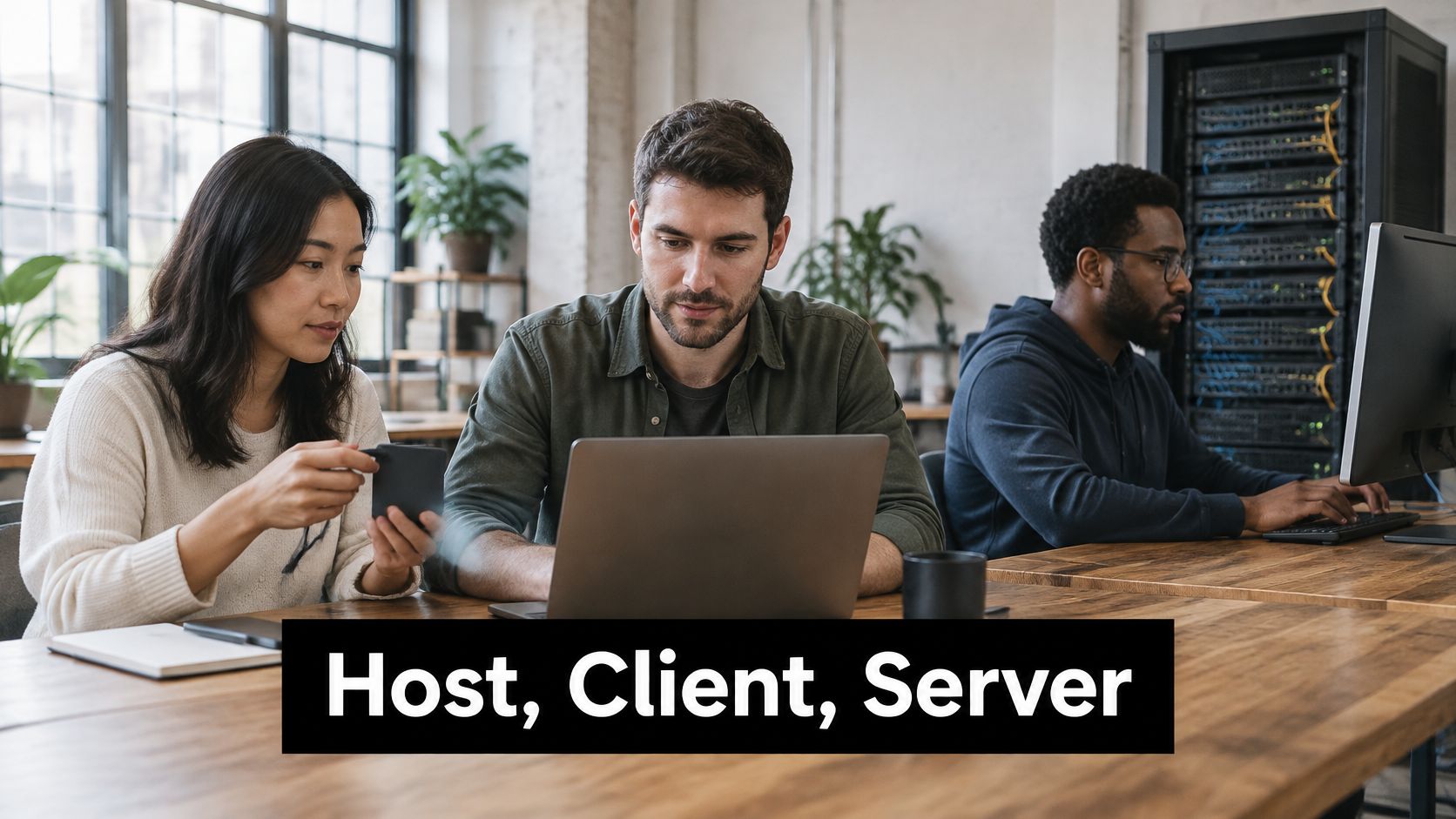
The protocol splits every interaction across three roles. The host is the AI application a person works in, whether that's a chat app, an IDE or an agent runtime. The client is the connector inside the host that keeps one session open to each server. The server is the program that wraps a real system: a database, a file store, a ticketing tool, an internal API.
Messages between client and server use JSON-RPC, a plain request and response format that any language can speak. The MCP architecture specification documents this arrangement and deliberately separates read-oriented context from executable actions, so you can apply different authorization, auditing and reliability rules to each.
The connection lifecycle
- The host reaches a server. It starts a local server process or connects to a remote endpoint, depending on how that server is deployed.
- Capabilities are exchanged. During initialization, client and server tell each other what they support, so neither assumes a feature the other lacks.
- The client asks what's available. It requests the list of resources, prompts and tools the server offers, along with their descriptions.
- The model reads the descriptions and decides. It picks the capability that matches the user's request, or decides it needs none.
- The call goes out and a result comes back. The client sends the invocation, the server validates and executes, and structured content returns to the model.
Think of a restaurant kitchen. The waiter carries orders to specialist suppliers through one fixed order form, and the dining room never needs to know how each supplier sources its ingredients. The order form is the protocol, the waiter is the client, and the suppliers are servers.
The spec treats tool invocation as potentially arbitrary code execution. That is a design choice with consequences: hosts are expected to obtain explicit user consent before invoking tools, and servers are expected to validate inputs and enforce access controls on their side.
Why one server per system matters
Keep the mapping one-to-one. One server wraps one system, and the host stays unaware of how that system works internally. Adding a fifth system later means writing one new server, not editing every host that needs it.
That single rule explains why MCP reduces integration work at scale, and why it fails when someone builds a "universal" server that wraps six systems behind one endpoint. The blast radius of a bad tool description becomes six systems wide.
A ten-minute exercise pays for itself. List every system the agent needs, the server that wraps each one, and the hosts that will call it. If a system appears with no server owner, you have found your first real decision.
Resources, Prompts and Tools Compared
A server can offer three kinds of capability, and the protocol keeps them apart on purpose. The distinction isn't cosmetic. It determines who triggers the capability, whether anything changes, and how much control it needs.
| Primitive | Who Triggers It | Side Effects | Typical Example | Risk Level |
|---|---|---|---|---|
| Resource | The application attaches it as context | None, read only | Customer record or log file | Low |
| Prompt | The user selects the template | None, guides the workflow | Summarize open incidents template | Low |
| Tool | The model invokes it based on the request | Can change data or trigger actions | Parameterized query or create ticket | Higher, needs consent and validation |
Resources are data. A resource is a file, a database record or a log extract that the application can attach to the conversation as context. Nothing executes. The main risk is exposure: a resource that returns a full customer table when the task needed one row is a privacy problem, not a functionality problem.
Prompts are reusable instructions. A prompt is a template a user chooses, such as "summarize open incidents for this region" or "draft a renewal summary from the account record." The person stays in control of when it runs, which makes prompts the safest way to standardize how your team works with an agent.
Tools are actions. A tool is a function the model can invoke, and it may write to a system, send a message or start a workflow. Consent, schema validation and post-call checks belong at this layer.
Three questions that set the controls
For every new capability you expose, ask in this order:
- Does it only read? If yes, treat it as a resource where possible, and give it a read-only database role rather than a general-purpose query tool.
- Does a user choose when it runs? If yes, a prompt is often enough, and you avoid giving the model discretion it doesn't need.
- Can the model run it with side effects? If yes, it needs explicit consent, a narrow typed schema and an audit record for every invocation.
Expose a parameterized order lookup or an approved ticket creation action. Don't expose a raw SQL console or a shell. The first is a capability you can reason about. The second is your entire infrastructure behind one prompt injection.
How an Agent Runs a Tool Call Step by Step
The request looks ordinary. A support lead types: why did order 4471 ship late? Six things happen before she reads an answer, and each one can fail on its own.

- Tool discovery. The agent lists the tools its connected servers advertise. A server exposing forty tools buries the two that matter, and the model picks by name similarity alone.
- Tool selection. The model matches the question against descriptions. Three tools may mention "order," and the agent picks the one that reads warehouse notes instead of the one that reads shipment events.
- Consent. Before a tool that writes data or returns sensitive records, the host asks the user to approve. Teams disable that prompt during a pilot and then forget to switch it back on.
- Validation and execution. The server checks input against its schema and runs the query. An over-broad schema accepts free text where an order ID belongs, and the query returns nothing useful.
- Structured result. The result returns as structured content the model can read. Partial data often looks complete, because the shipment table only covers the last thirty days.
- Answer or another call. The model writes the reply, or makes a second call if the answer is incomplete. When a chain breaks halfway, the agent sometimes reports success on a workflow that never finished.
Where the failures actually cluster
Tool discovery, not model reasoning, dominates outcomes. LiveMCPBench evaluated 95 real-world tasks across 70 servers and 527 tools; the best-performing setup reached 78.95% task success while most evaluated models achieved only 30% to 50%, and retrieval errors accounted for nearly half of failures, per the LiveMCPBench study.
Read that again in operational terms. The model is rarely the bottleneck. The catalog you hand it is.
Three fixes produce more reliability than swapping models:
- Shorten tool descriptions. One sentence on what the tool does and one on when to use it. Delete marketing language and overlapping synonyms.
- Constrain schemas. Typed fields, enums and required parameters. If a tool needs an order ID, the schema should refuse anything that isn't one.
- Validate deterministically after every state change. Confirm the ticket exists, the refund posted, the record updated. Don't let the model's summary be your only evidence that the action worked.
Use Cases Where Agents Act Across Systems
Most enterprise agents advise. Fewer act. The ISG 2025 State of the Agentic AI Market report found that only 25% of current solutions allow agents to operate independently, while 45% position AI primarily as an advisor supporting human decision-makers.
That split should shape your roadmap. Fully autonomous workflows are the smaller, more tightly governed category, and most of your value will come from agents that prepare a decision and hand it to a person. The useful question for each use case is not whether the agent can act. It is whether every action can be attributed to a user, limited to an approved purpose, and reconstructed later in an audit.
| Use Case | Systems Connected | What the Agent Does | Human Checkpoint |
|---|---|---|---|
| Customer support | Help desk, order system, knowledge base | Looks up an order and drafts a refund | Agent approves refunds above a set limit |
| Finance analysis | ERP, data warehouse, market data feed | Pulls figures, summarizes variances, recommends action | Analyst signs off before any entry |
| Logistics operations | Fleet telematics, dispatch system | Flags late shipments and proposes reroutes | Dispatcher approves each reroute |
| Software engineering | Code repository, issue tracker, CI pipeline | Reads code and opens a pull request | Reviewer approves the merge |
| Data platform | Snowflake warehouse, BI tool | Runs approved queries and refreshes dashboards | Read-only role, no human step needed |
The last row is the one to copy first. A read-only Snowflake role behind a set of approved queries gives an agent real analytical reach with no write path to defend. The pattern is familiar from Faberwork's smart building optimization work, where sensor and HVAC data feed analysis while the decisions still land with a person.
One workflow, end to end
A regional operations team wants faster response to late deliveries. The agent pulls shipment events from the dispatch system, compares them against the promised delivery window, summarizes the variance and recommends a reroute for the three worst cases. A dispatcher reviews the recommendation and approves or rejects each one.
The outcome is measurable on both sides of the checkpoint. Time to decision falls because the gathering work disappears, and the dispatcher still owns the call. If that reroute is later disputed, the audit trail can show who triggered the lookup, which shipment records the agent read, and which human approved each change. That reconstruction is what separates a governed workflow from an automated guess.
The checkpoint rule: the more an action changes money, records or customers, the more it needs a named human who approves it. Write that name into the workflow, not into a policy document.
The same discipline applies when the agent's tool drives a browser instead of an API. Read about the reliability gap in browser agents before you let an agent click through a supplier portal, because page changes break autonomous flows in ways an API never does. A browser action is also harder to reconstruct after the fact, since the interface leaves no native record of what the agent saw. Log screenshots or responses at each step if a browser tool ever enters your chain.
Security Controls Every MCP Deployment Needs
Installing a server takes an afternoon. Deciding who an agent acts for takes a quarter. Connecting tools is the easy part, and identity is the hard part.
An API key stored on an MCP server tells you nothing useful during an incident. It doesn't show which user triggered the call, what purpose it served, or whether the call stayed inside the scope that user was granted. When one agent invokes several systems on behalf of different people, that ambiguity becomes the primary risk.
| Risk | What It Looks Like | Control That Addresses It |
|---|---|---|
| Tool poisoning | A tool description hides instructions the model follows | Vet servers, pin versions, review descriptions before use |
| Prompt injection | Retrieved text tells the agent to call a tool | Treat retrieved content as untrusted, confirm side-effecting calls |
| Privilege escalation | Agent chains tools to reach data the user cannot see | Per-user authentication and scoped permissions on every call |
| Data exfiltration | Sensitive records leave for an external server | Allow-list servers, restrict outbound data, log every call |
| Unauthorized change | A write tool runs without approval | Human confirmation and reversible, idempotent actions |
Practitioners already feel this pressure. Interviews with 20 engineers across eight internet and financial-services companies found that 80% of participants were concerned about prompt injection or malicious tool invocation, while 35% worried about unauthorized data access, according to research on MCP adoption barriers.
Why governance frameworks don't cover you yet
A 2025 security analysis of MCP argues the protocol replaces static, developer-controlled integrations with dynamic, user-driven agent access, which creates risks such as data exfiltration, tool poisoning and cross-system privilege escalation. The same analysis notes that conventional AI governance frameworks, including NIST AI RMF and ISO/IEC 42001, do not yet address the operational details of dynamic tool access in depth.
That leaves you building the authorization model yourself. The practical gap is per-user authentication, narrowly scoped permissions, provenance tracking, sandboxing and policy enforcement across every tool call, not a shared credential sitting on a server.
The attribution test: "MCP adoption" should not be measured by the number of connected tools. It should be measured by whether each invocation can be attributed to a user, constrained to an approved purpose, and reconstructed during an audit.
Apply that test to a single tool call and the design decisions fall out quickly. If you can't answer all three questions, you have a pilot, not a production system.
Choose the credential model deliberately. Shared credentials are the fastest to build and the worst to audit. Delegated OAuth carries the user's identity through the call. Service identities suit background jobs with no human in the loop. A policy gateway lets you enforce decisions across all of them. Most enterprises end up using all four, which means the gateway is the part you can't skip.
Log provenance, not just errors. Record the user, the tool, the arguments, the purpose and the result for every call. When a finance analyst asks why an entry changed, that log is your only honest answer.
Choose Your First MCP Integration
Start with one read-only workflow, one named owner and one number you intend to move, such as the time it takes to resolve a support case. Everything else follows from that constraint.
- List the systems. Name every source the workflow touches and who owns each one. Anything without an owner is out of scope for version one.
- Wrap each system in a narrow server. Expose read-only tools first, with typed parameters. A capability like a truck visual identification model is a good template: it does one thing, it returns structured output, and its inputs are constrained.
- Define permissions per user and per tool. Decide which roles reach which tools before you connect anything, so the access model is a design input rather than a retrofit.
- Test tool selection against about fifty real requests pulled from the actual workflow. Record every wrong tool, every malformed argument and every incomplete result. That list is your backlog.
- Add human confirmation before any write action. No exceptions during the pilot, because pilot shortcuts become production defaults.
- Measure against the baseline, then expand. If the outcome didn't move, fix the tool catalog before adding a second workflow.
If the workflow touches SMS verification or notification testing, quackr rented SMS numbers let you exercise that path without sending anything to a real customer.
This is the kind of work Faberwork does: designing LLM applications, AI agents, RAG pipelines and AI workflow automation, and offering agentic AI solutions that help businesses optimize workflows, improve customer engagement and drive new growth. Projects tend to succeed when the first integration is small, governed and measured, and they tend to stall when the first integration is everything at once.
The deliverable you can produce this week is a one-page integration brief. It names the workflow, the systems and their server owners, the permission model per role, the human checkpoint and the metric you'll compare against the baseline. Get that page reviewed by security and by the workflow owner before anyone writes code.
If you're planning your first MCP integration and want a second pair of eyes on that one-page brief, bring us the workflow you have in mind. We'll map the servers, the permission boundaries and the audit trail with you before a line of code is written. Start the conversation at Faberwork.


